Theme
Switch between Light, Dark, and System themes. The System option auto-detects your OS preference and applies the matching theme. Access the theme switcher from the sidebar or navbar.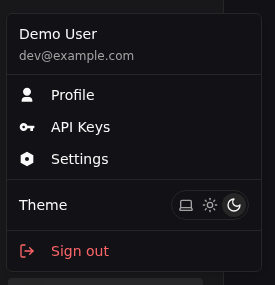
Display IDs
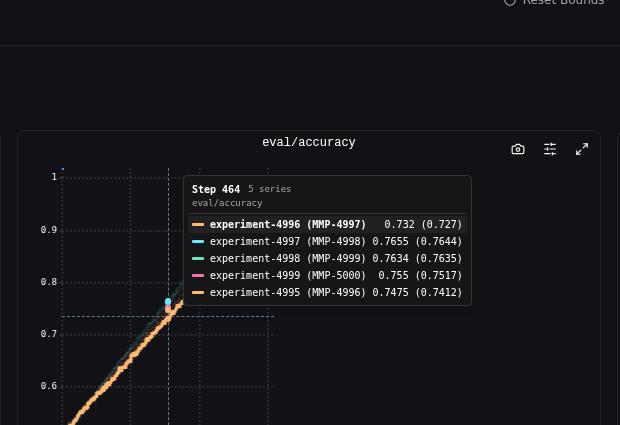
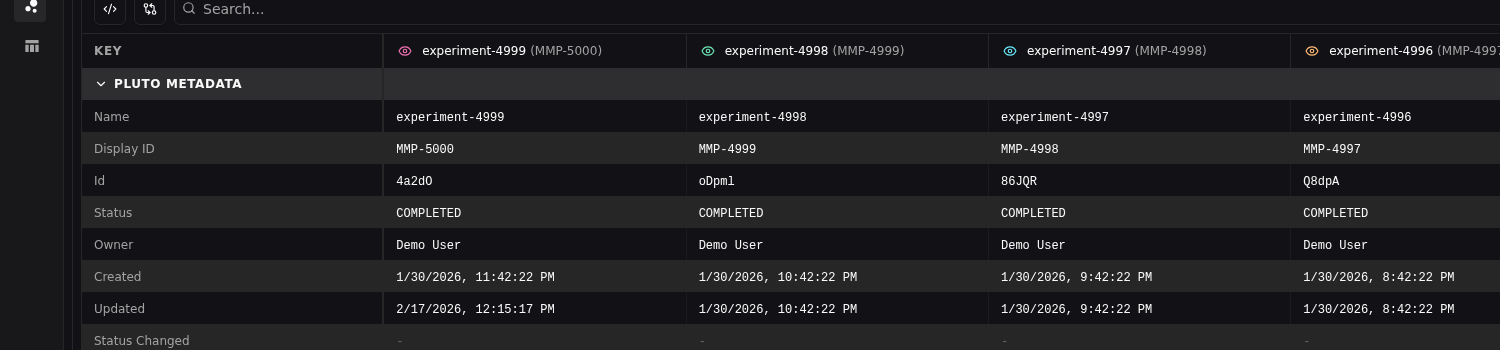
Each run is assigned a short, sequential display ID scoped to its project (e.g., MMP-42). Display IDs are shorter and more memorable than full run UUIDs. Display IDs appear in:- Chart legends and labels — Identify runs at a glance in visualizations
- Side-by-side comparison column headers — Quickly reference runs in tabular views
- Run search — Search by display ID directly to find a specific run