
Viewing Logs
To view the logs of an experiment, you can click on the experiment in the list of experiments and then click on the “Logs” tab. You will see something like this: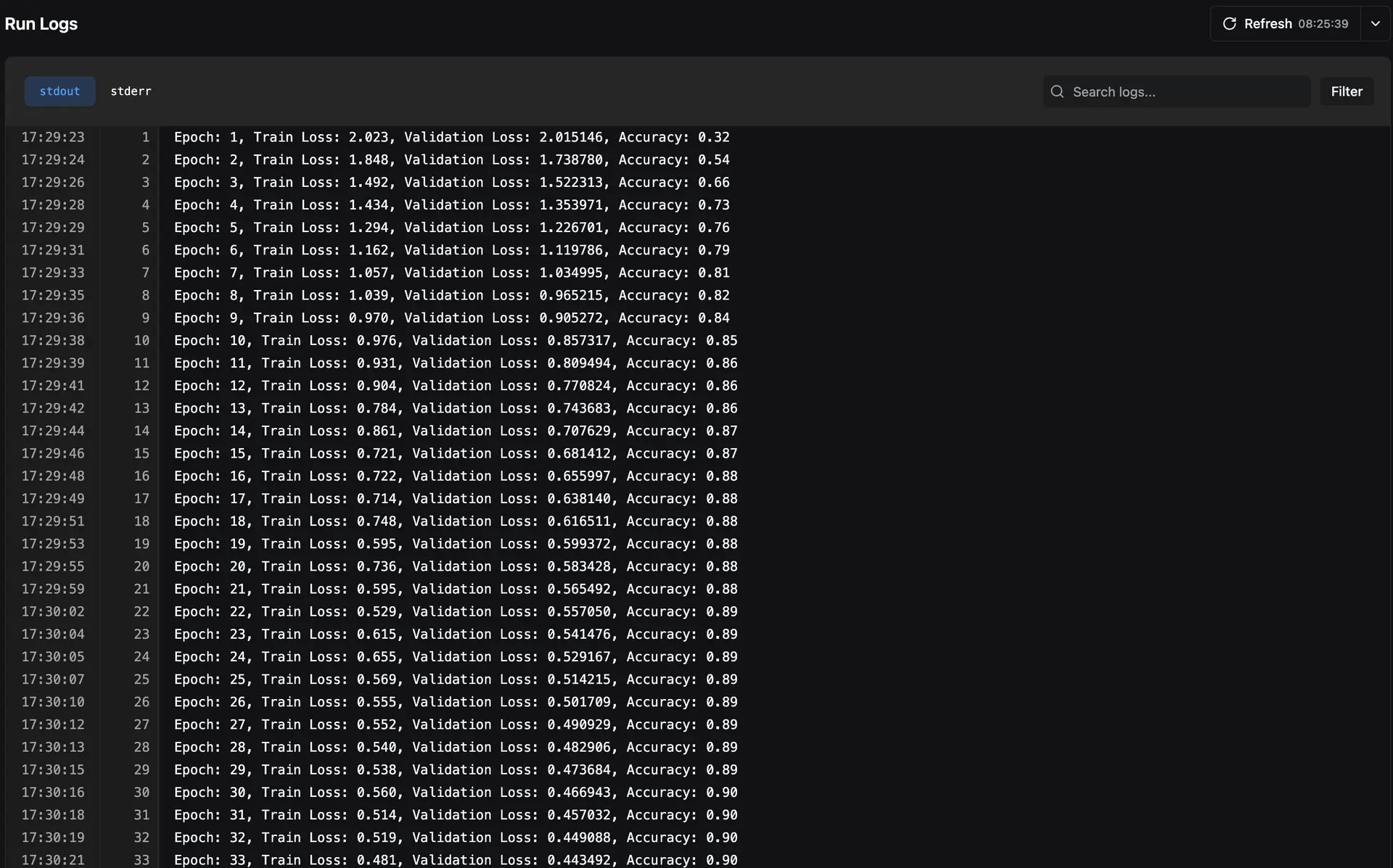
stdout and stderr of your experiments are saved, allowing you to filter out logs based on what you want to see.