> ## Documentation Index
> Fetch the complete documentation index at: https://docs.trainy.ai/llms.txt
> Use this file to discover all available pages before exploring further.
# Linear
Link your runs to your Linear Issues for automatic run-issue linking.
With the Linear integration you can easily create links to your linear issues and create references to your Pluto runs within your Linear issues.
The linear integration is currently 'Experimental'. Want to see changes to it. Reach out to us at [founders@trainy.ai](mailto:founders@trainy.ai) or file an issue at our [Github repo](https://github.com/Trainy-ai/pluto).
# Setup
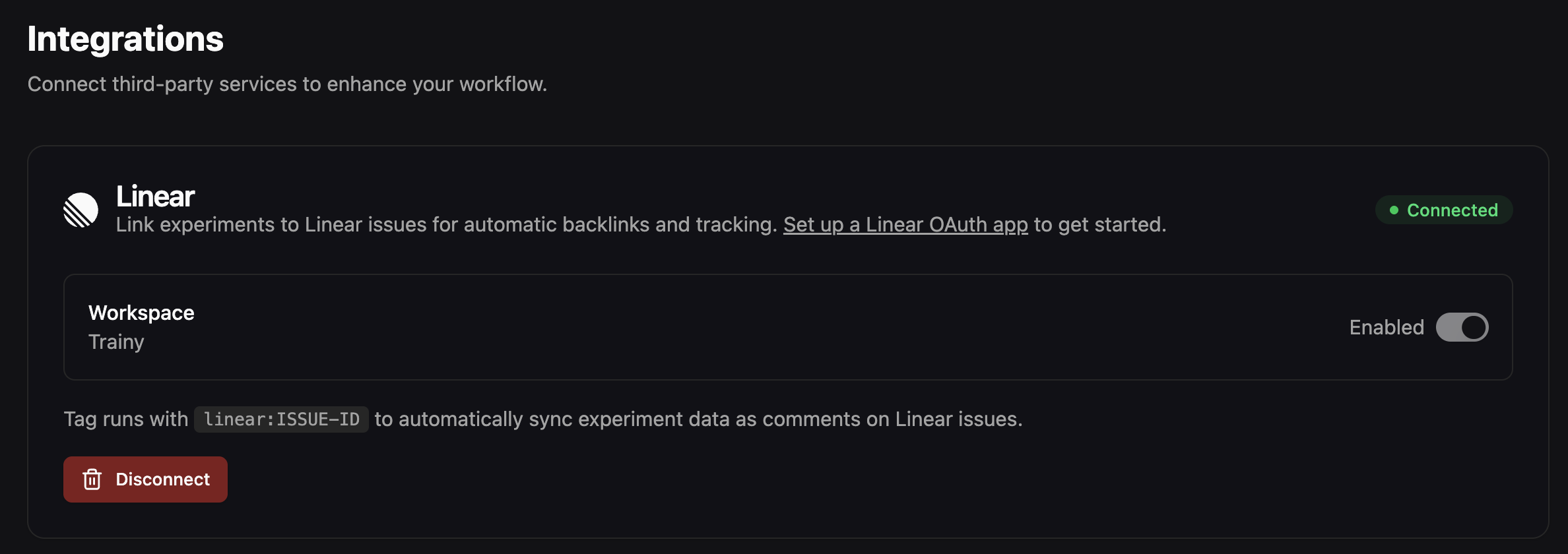
Install the Pluto App into your Linear workspace by visiting.
 # Tagging Runs to Linear Issues
Issues are associated with issues via tags and follow the naming convention `linear:` . There are two ways to set tags to link runs to Linear:
* the pluto webUI
* the `pluto` python API
## WebUI tags
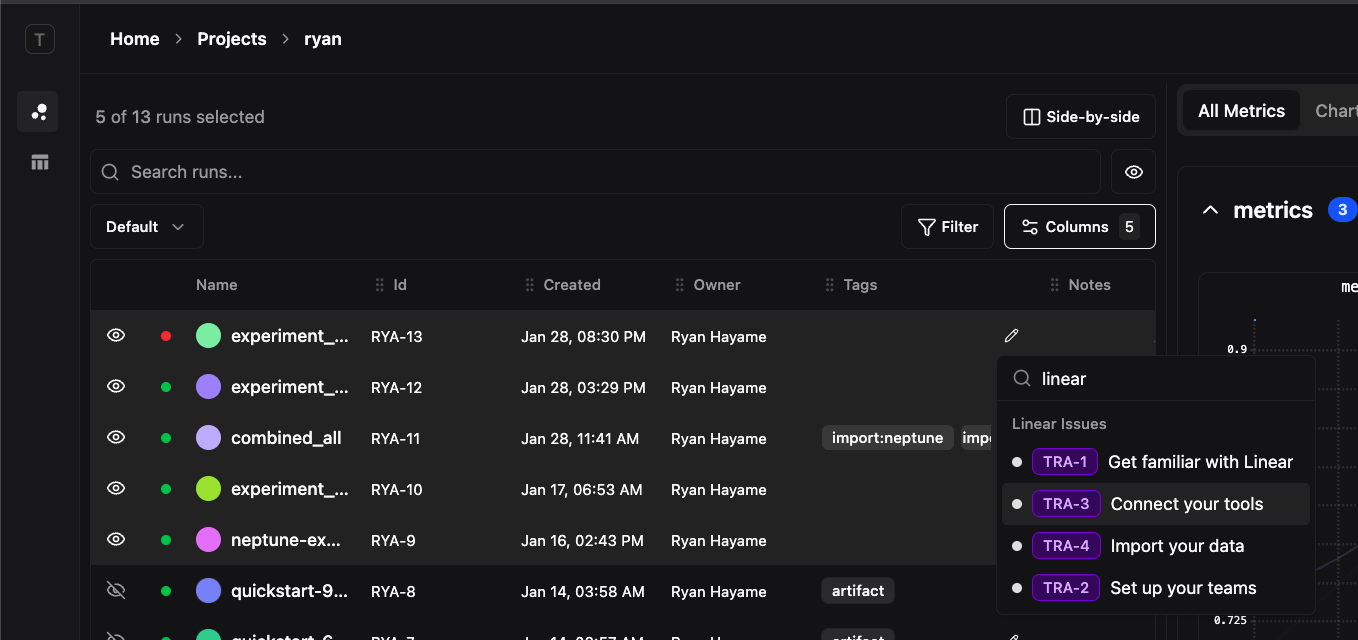
In the run comparison section, click on the tag editor. If you type `linear` in the search bar, a dropdown will appear showing the list of linear issues found in your project. Click on the issue you want to
# Tagging Runs to Linear Issues
Issues are associated with issues via tags and follow the naming convention `linear:` . There are two ways to set tags to link runs to Linear:
* the pluto webUI
* the `pluto` python API
## WebUI tags
In the run comparison section, click on the tag editor. If you type `linear` in the search bar, a dropdown will appear showing the list of linear issues found in your project. Click on the issue you want to
 ## Pluto Python API
Tags can be set when calling `pluto.init`
```
import pluto
pluto.init(
name="gpt4o-vision",
project="VLLM",
tags=["linear:TRA-1", "v2", "baseline"]
)
```
# Useful Links
## Pluto -> Linear
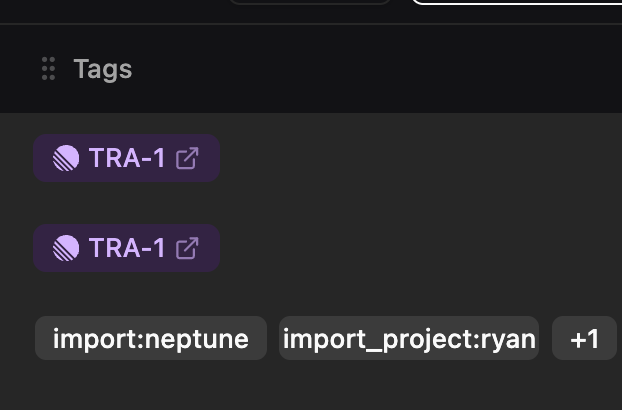
Tags containing `linear:` will automatically render in purple as a hyperlink to:
```
https://linear.app/issue/
```
## Pluto Python API
Tags can be set when calling `pluto.init`
```
import pluto
pluto.init(
name="gpt4o-vision",
project="VLLM",
tags=["linear:TRA-1", "v2", "baseline"]
)
```
# Useful Links
## Pluto -> Linear
Tags containing `linear:` will automatically render in purple as a hyperlink to:
```
https://linear.app/issue/
```
 ## Linear -> Pluto
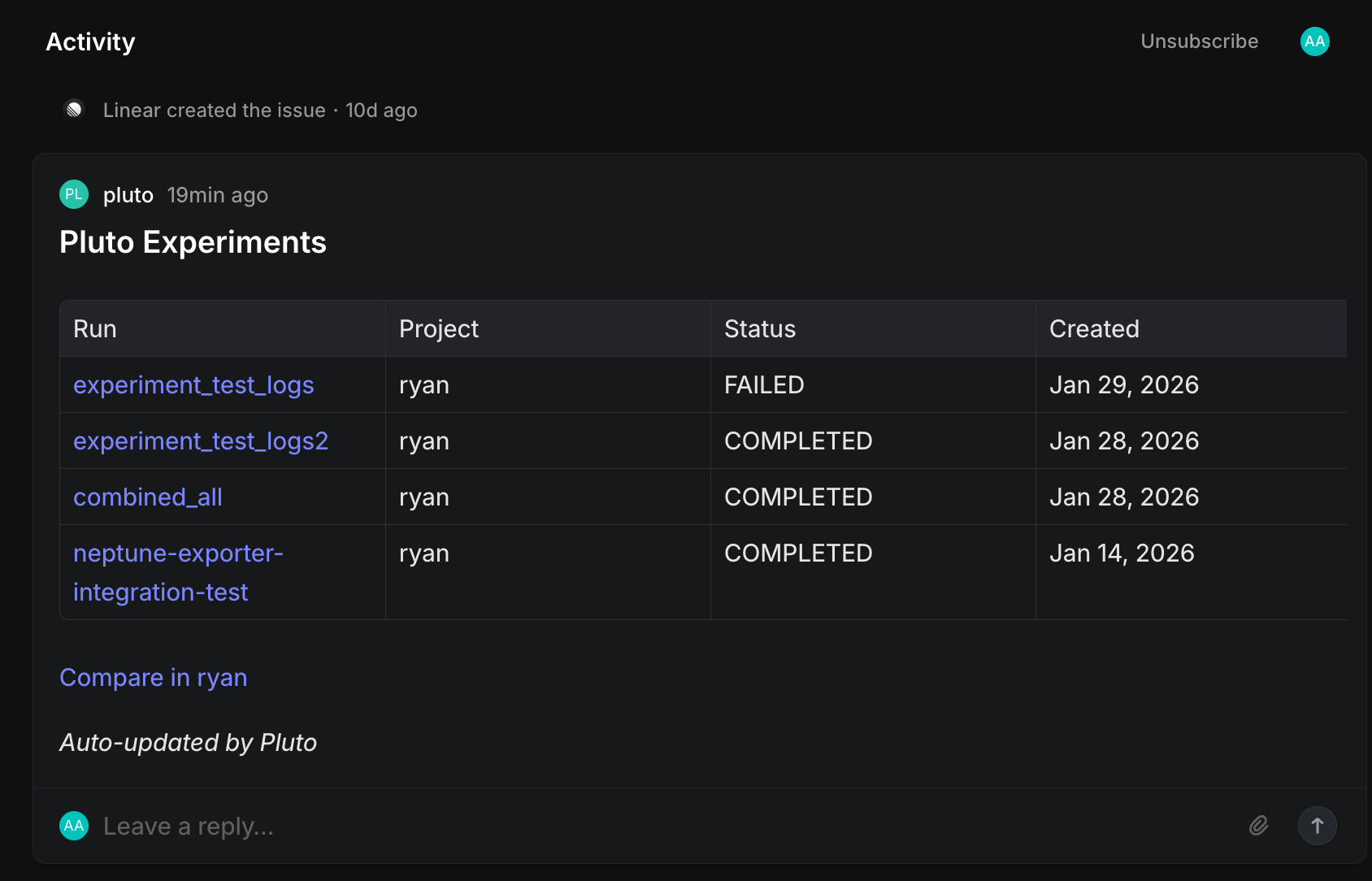
When creating/deleting tags to Linear issues, Pluto will create/update a comment within the Linear issue with a table containing all runs that reference the Linear issue as well as a convenience link for viewing the run comparison view with all the runs in the table already selected below.
## Linear -> Pluto
When creating/deleting tags to Linear issues, Pluto will create/update a comment within the Linear issue with a table containing all runs that reference the Linear issue as well as a convenience link for viewing the run comparison view with all the runs in the table already selected below.